Article Overview
You can set the IP address of a remote intelligent PDU by accessing its configuration interface via a web browser or serial connection, then assigning a static IP, subnet mask, and gateway, and verifying connectivity.
Preparation
- Stable Network Connection: Ensure a reliable wired or wireless connection to the PDU. Wired connections are preferred for initial setup .
- Default Credentials: Locate the default username and password in the PDU manual. These are required for first-time access .
- Computer or Device: Use a computer with a web browser or terminal software to connect to the PDU .
Accessing the PDU Interface
- Web Interface Method: Open a browser and enter the PDU's default IP address. Log in using the default credentials .
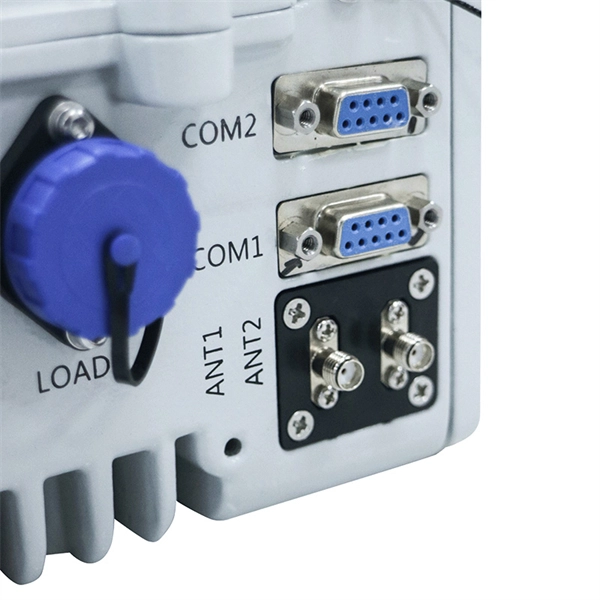
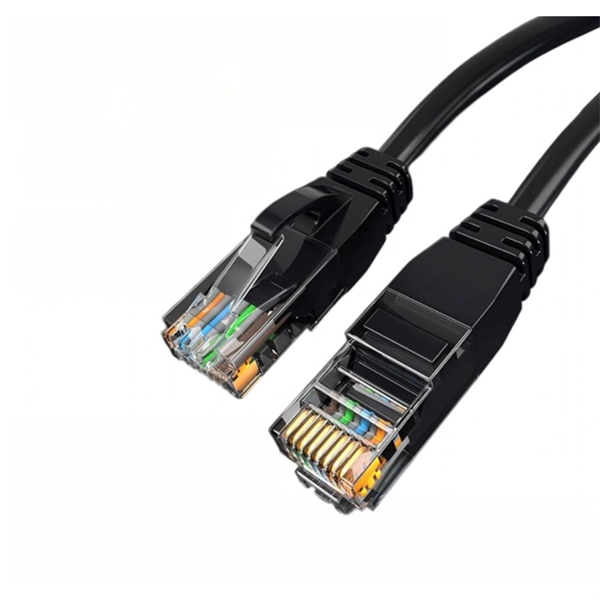
- Serial Configuration Method: Connect a workstation to the PDU using a DB9-to-RJ-45 cable. Launch terminal software (e.g., HyperTerminal), select the correct COM port, set baud rate to 115200, and log in with default credentials .
Configuring Network Settings
- Navigate to the Network Settings or Setup Network Information section in the interface .
- Assign a Static IP Address: Choose an IP that aligns with your network plan to avoid conflicts .
- Set Subnet Mask and Gateway: Input the correct subnet mask and default gateway to enable communication with other devices .
- Optional DHCP: Some PDUs allow enabling or disabling DHCP. Disable DHCP if you want a static IP .
Applying and Verifying
- Save and Apply Changes: The PDU may restart briefly to implement the new settings .
- Verify Connectivity: Ping the assigned IP from your computer to confirm network integration .
- Update Credentials: For security, change the default username and password after setup .
Advanced Considerations
- Cascading PDUs: Some models allow multiple PDUs to share a single IP using a cascading architecture, reducing the number of IP addresses required .
- Dual Ethernet Ports: Certain PDUs support daisy-chaining via dual Ethernet ports, maintaining network connectivity even if one PDU loses power .
- Monitoring and Alerts: After IP configuration, you can enable SNMP, web GUI, or API monitoring for real-time outlet control and power alerts . By following these steps, your intelligent PDU will be properly integrated into your network, ready for remote monitoring, management, and advanced power distribution control.
Intelligent PDU User Manual v4.4
Use the menu buttons to look up the IP address of the device on the OLED display by selecting Setup > Network >
How to Rapidly Configure Intelligent Rack PDUs
Instead, Raritan created a means to configure intelligent power strips (set the IP address, change time settings, set
Smart PDUs and IP Addresses: How to Make Your Network
Power to each IP controller is maintained even if one of the PDUs suffers a power loss, ensuring continuous network connectivity to
Setting up the Intelligent Switched PDU Using the IBM PDU
The IBM PDU Configuration Utility is integrated in the PDU and is used to configure the PDU settings, such as the IP
What Is an Intelligent PDU? | Data Center Glossary | Sunbird DCIM
An intelligent power distribution unit (PDU) is a networked power supply for IT equipment in a server cabinet that provides real-time
Eaton PDU Network module secure configuration guidelines
PDU Network module The Eaton PDU Network module was designed with cybersecurity as an important consideration and offers
Intelligent PDU User Manual v1.2
If you are connected to a network with a DHCP server, the PDU automatically receives an IP address and will display it on the OLED
Eaton HD PDU quick start guide
The network connection automatically receives an IP address through the Dynamic Host Configuration Protocol (DHCP) if available
User Manual
Contact your network administrator to obtain the IP address, subnet mask, and default gateway for the PDU. Use these three
User Manual Smart PDU SP7040200
5. GUI Control The 4-Port IP switched PDU SP7040200 can be controlled via TCP/IP. The default IP settings are: IP Address:
What is an intelligent PDU?
What is an intelligent PDU? Rick Gonedes April 11, 2018 An Intelligent Power Distribution Unit (iPDU) is a networked
Intelligent PDU User Manual v1.2
From the factory the PDU defaults to DHCP and HTTPS connection. If you are connected to a network with a DHCP server, the PDU
IP Controlled PDU Setup Made Simple
Simplify your IP controlled PDU setup with this step-by-step guide. Learn how to configure, secure, and optimize power management
Vertiv Intelligent Rack PDU Manual | PDF | Ip Address
Exchange server''s Routing properties, then adding the IMD PDU''s IP address as a domain which is per- mitted to relay mail through
PANDUIT SMARTZONE G5 USER MANUAL Pdf Download
View and Download Panduit Smartzone G5 user manual online. Intelligent PDU. Smartzone G5 power distribution unit pdf manual
Using the IBM PDU Configuration Utility to set up the Intelligent
The IBM PDU Configuration Utility is integrated in the PDU and is used to configure the PDU settings, such as the IP address,
Smart PDU Manual A40194_00_IT74_eng
The Ping feature may be used to test the PDU''s ability to contact another Ethernet enabled de-vice''s IP address. For LDAP support,
Geist Upgradeable 2.0 Manual
The Vertiv Upgradeable IMD has a default IP address for initial setup and access. To remove configured IP addresses and restore
Intelligent PDU/ATS User Guide
At a command prompt, type telnet and the IP address for the PDU/ATS (for example, telnet 139.225.6.133, when the PDU/ATS uses
iBoot-PDU v170515e Initial Release
3.5.2. Web Page Setup From the home page (Dashboard), click on Network -> Addresses. Enter the new IP Address, Subnet Mask,
CYBERPOWER PDU31 SERIES USER MANUAL Pdf Download
Enter the IP address of the CyberPower PDU in the Browser Address Bar, and then press ENTER. Note: To look up the IP address,
ES2P Intelligent PDU User Manual V1.0
PDU Controller All Panduit Intelligent PDUs feature a Rotatable or Hot Swappable Intelligent Network Controller (iNC). This
USB Configuration for Intelligent PDUs
By using one or more USB Flash drives, a single user can configure hundreds of rack mount power strips in a couple of hours. This
3-Phase Intelligent PDU User Guide
Introduction CyberPower''s Intelligent Power Distribution Unit (PDU) Web Interface gives users all the features they need to configure,
G5 PDU User Manual
The PDU is set to use DHCP (Dynamic Host Configuration Protocol) by default when delivered. If IP is successfully
Configuring the power distribution unit using the PDU Configuration Utility
Also ensure that no other clients are using that IP address. If you cannot use the default network settings, you can use
Intelligent Rack PDU Installer/User Guide
Choose Use the following IP address, set IP address to 192.168.123.1 and Subnet Mask to 255.255.255.0. For initial setup, Default
Remote Power Distribution Unit Management Intelligent PDU Reboot IP
Add up to 3 additional IP aliases that allow remote control of the unit through different networks. No scripts required - simply add the
Related Resources
- Belgian optical core router QSFP28
- Applications of bundled optical cables
- Ring network optical cable splicing
- Where is the aerial optical cable connector
- Serbia Offshore Price Polarization Guaranteed Fiber Optic Cable 2 Cores
- Niger Basement Cable Tray Manufacturer
- Custom-made molded cable trays in Ethiopia